Manage members
Only Org Admin has permission to manage members.
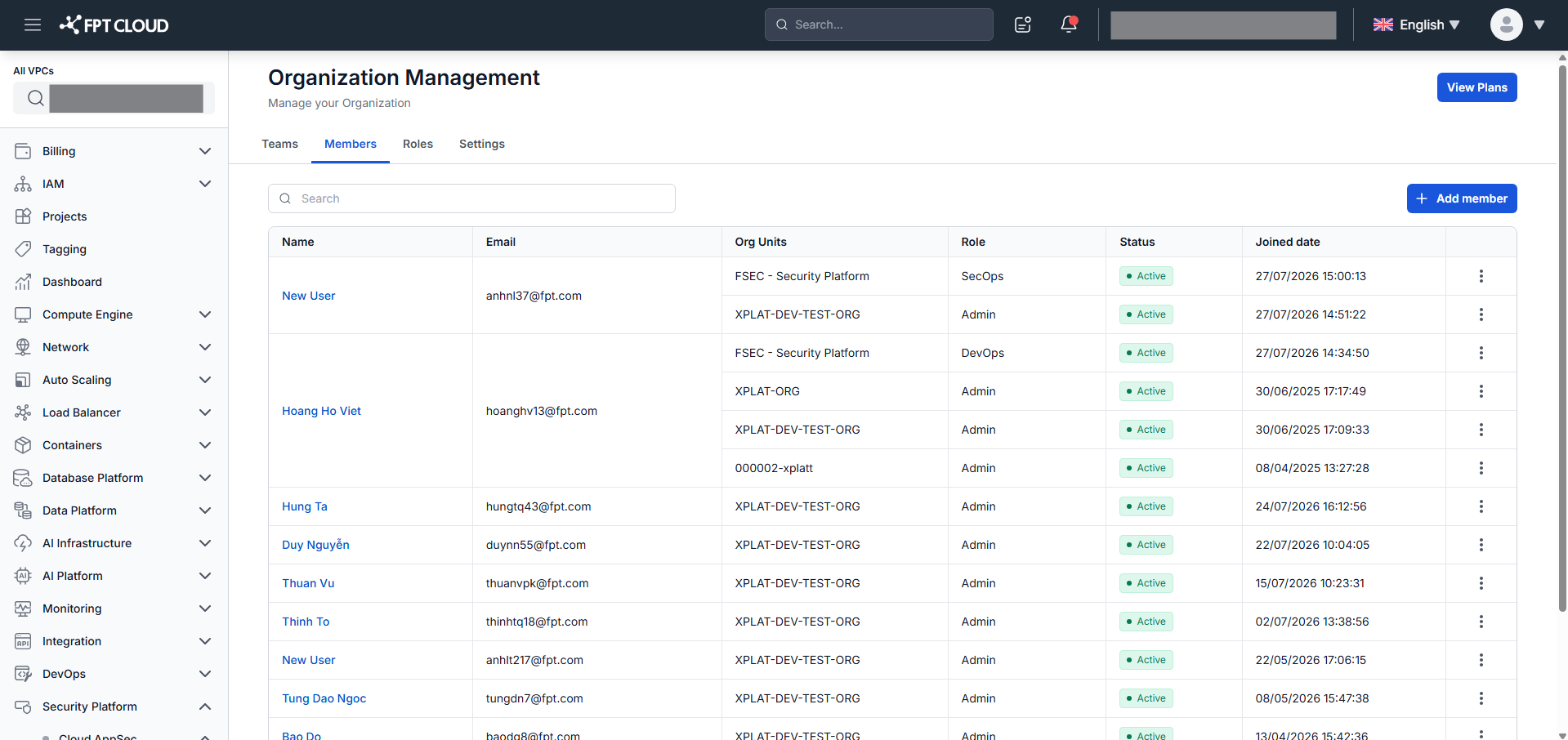
In the Organization section, click Member to open the member list.
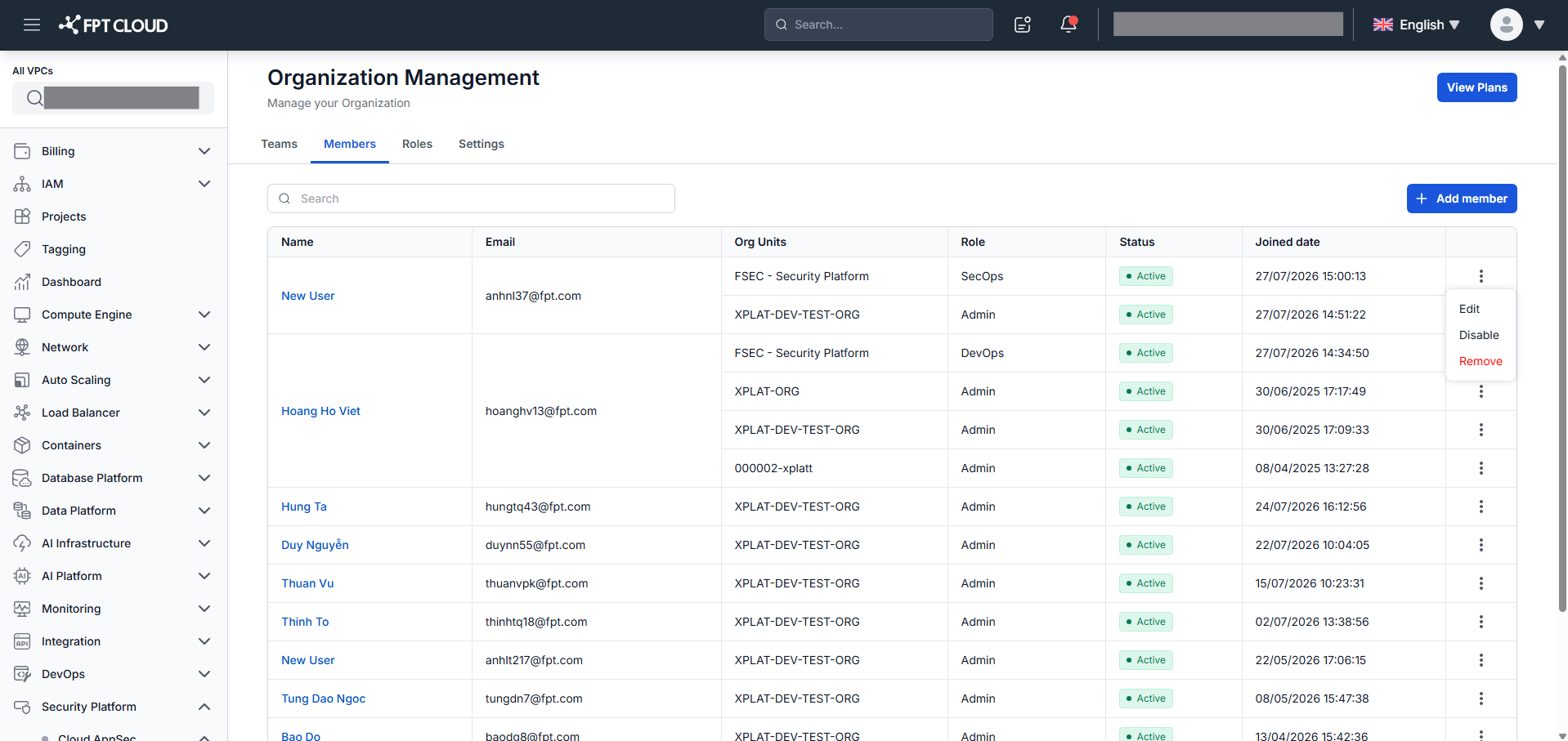
Click the action icon on any member row to see available actions: Edit, Disable/Enable, and Remove.
You can view each member's Name, Email, Org Units, Role, Status, and Joined date.
View member details
Click a Member Name hyperlink to open the member detail screen.
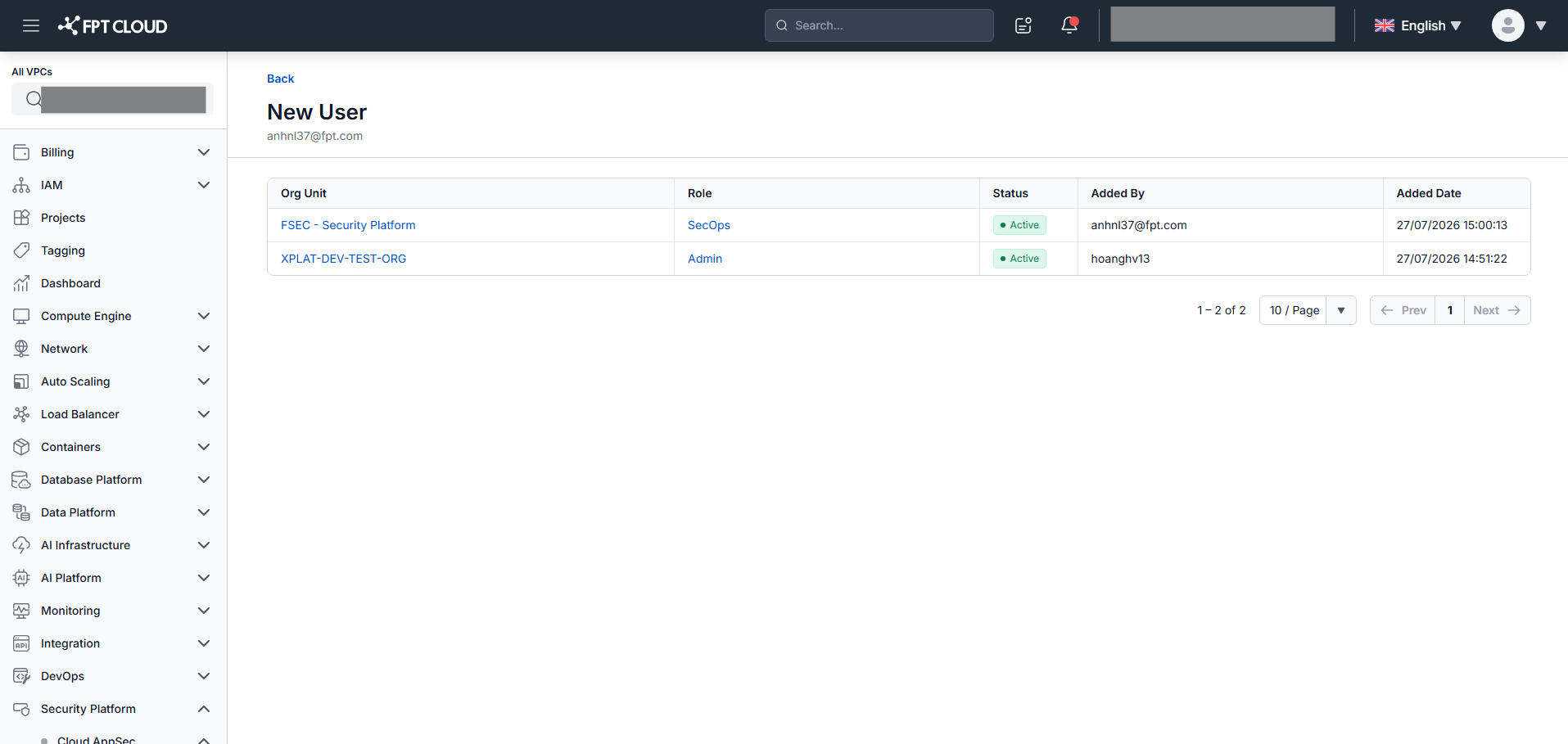
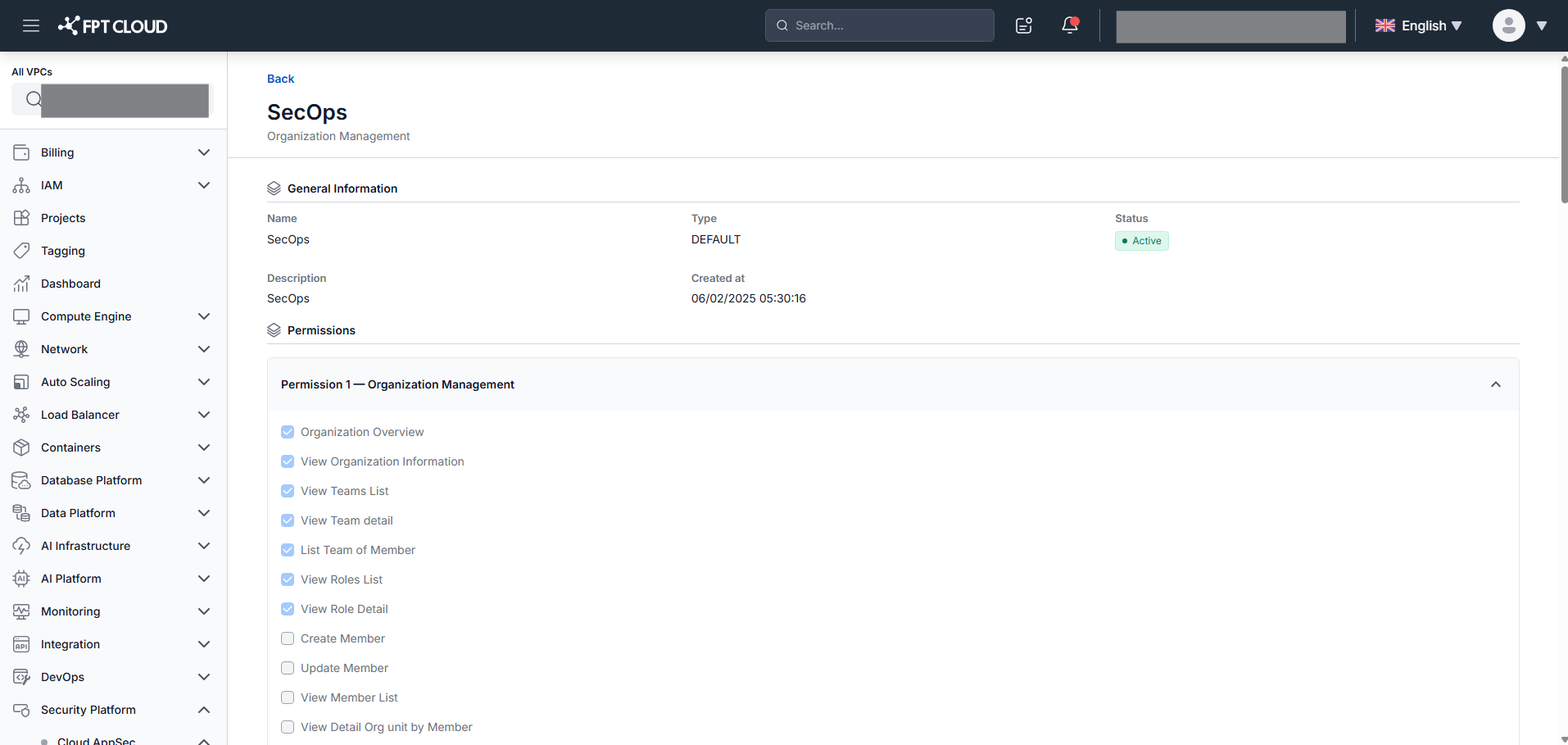
The detail view shows Org Units, Role, Status, Added By, and Added Date, including role permissions.
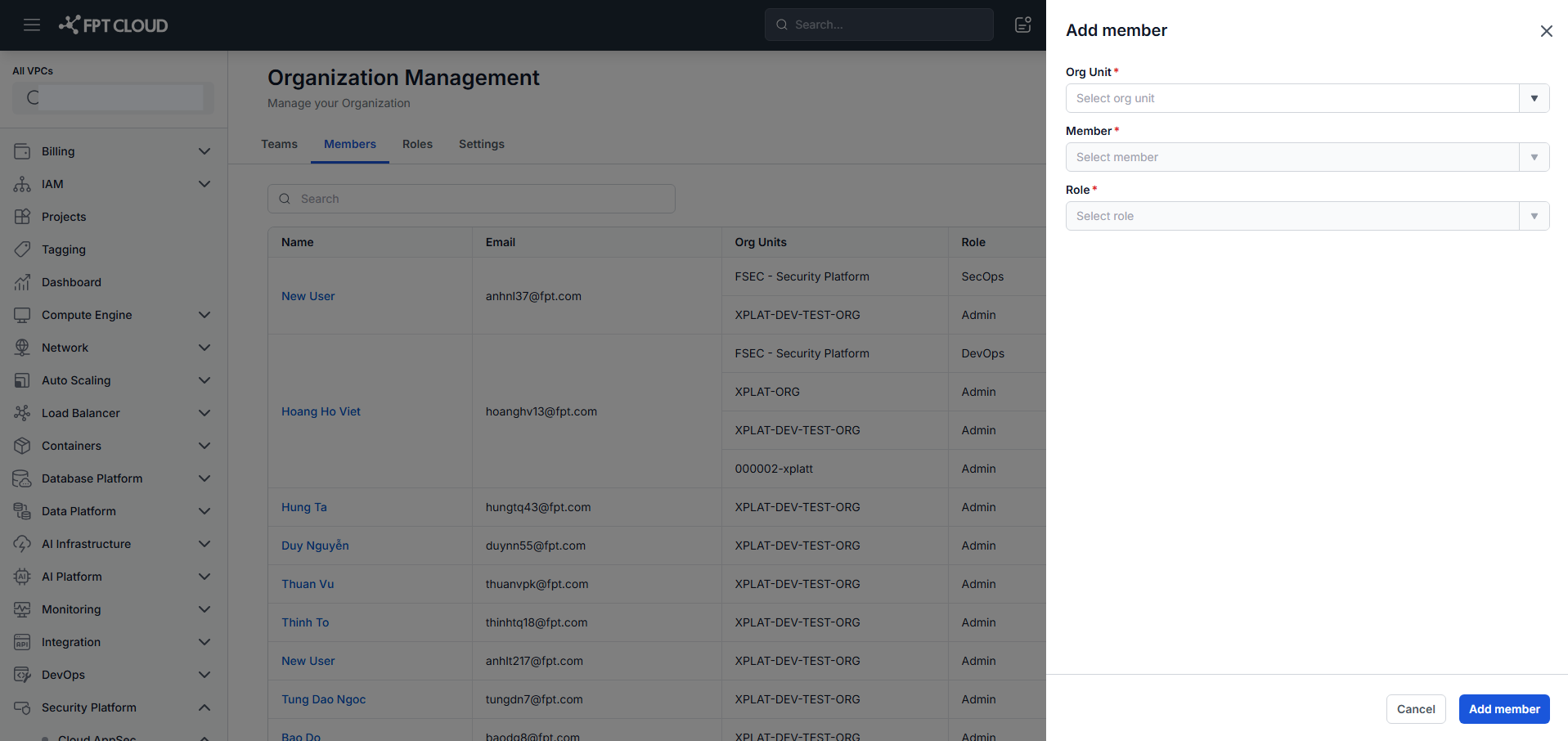
Add a member
- Click Add Member.
- Select the Organization Unit, Member, and Role.
- Click Save.
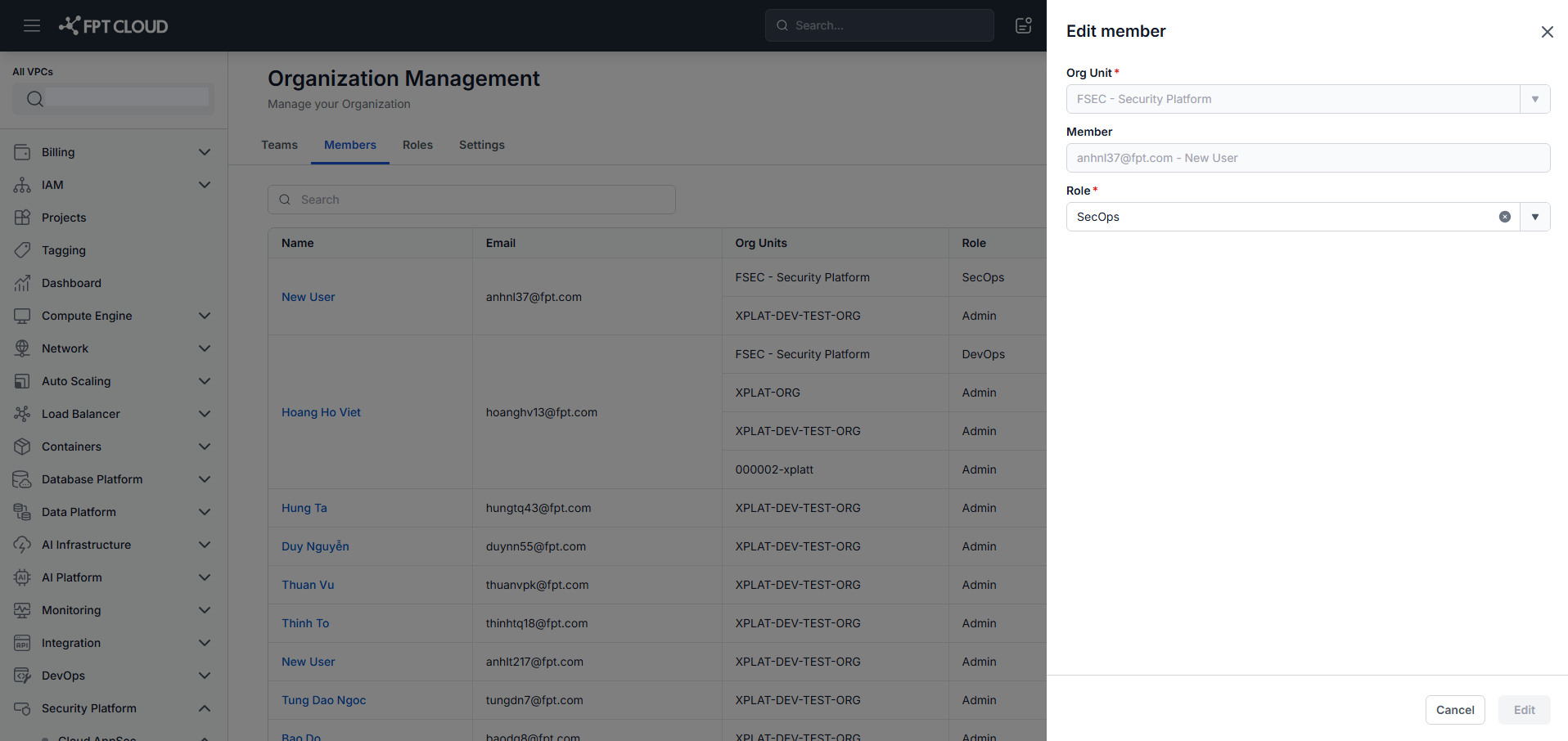
Edit a member
- Click Edit in the Action column for a member.
- Update the Member, Org Unit, and Role as needed.
- Click Save.
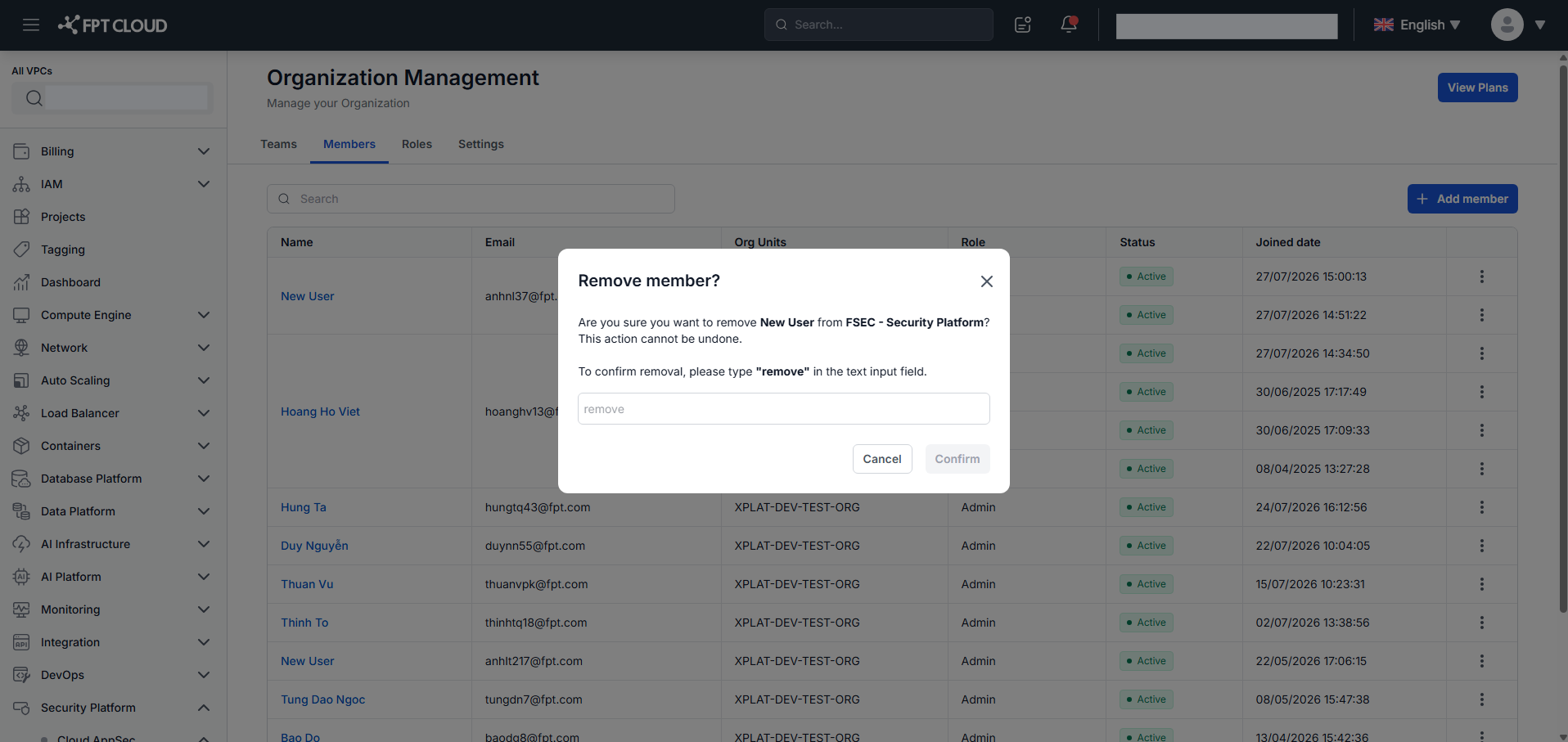
Remove a member
- Click Remove in the Action column for a member.
- Type "remove", then click Confirm.
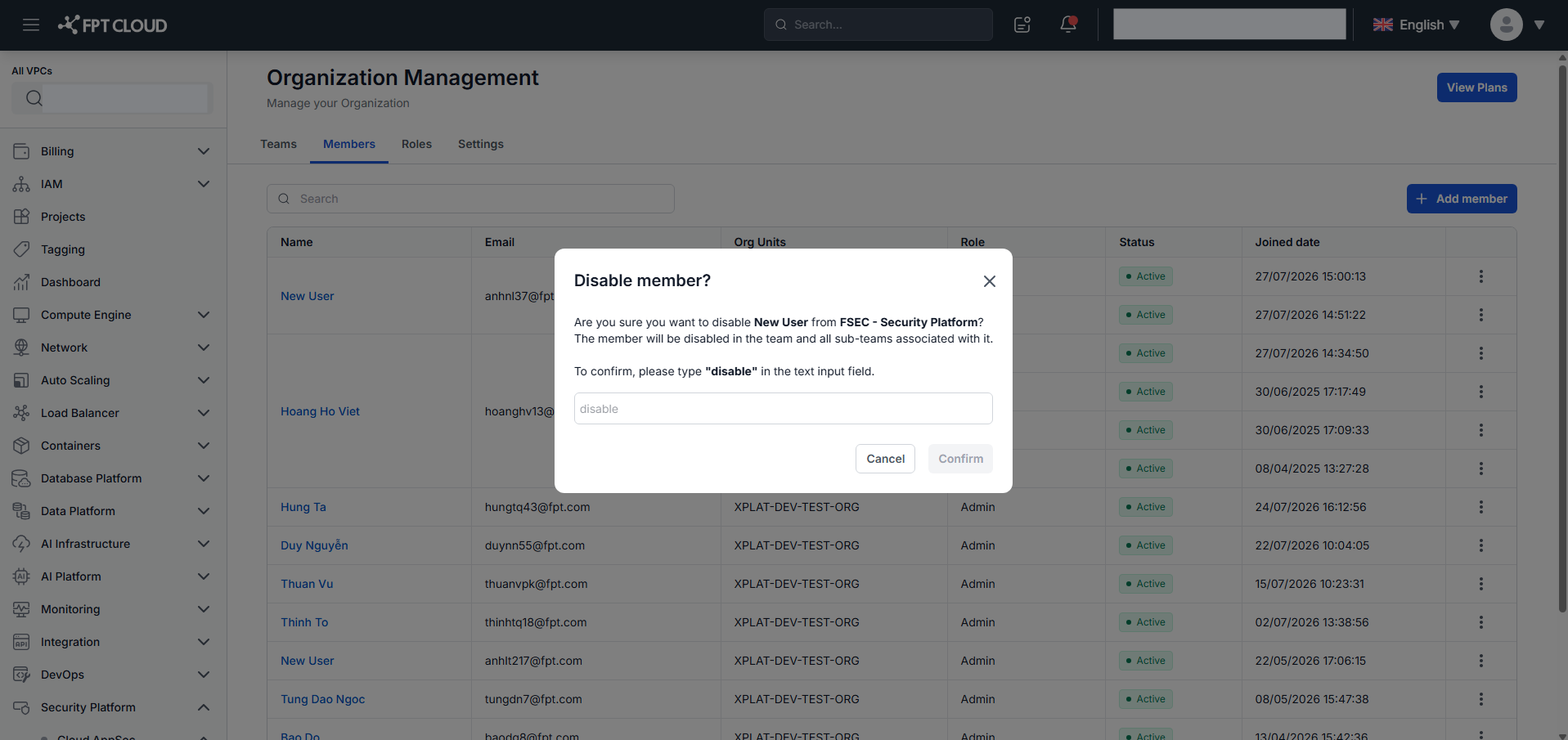
Disable a member
- Click Disable in the Action column for a member.
- Type "disable", then click Confirm.
Enable a member
- Click Enable in the Action column for a member.
- Click Confirm.