Delete a schedule
In the Schedule Management screen, click the ⋮ icon on a schedule row, then select Delete.
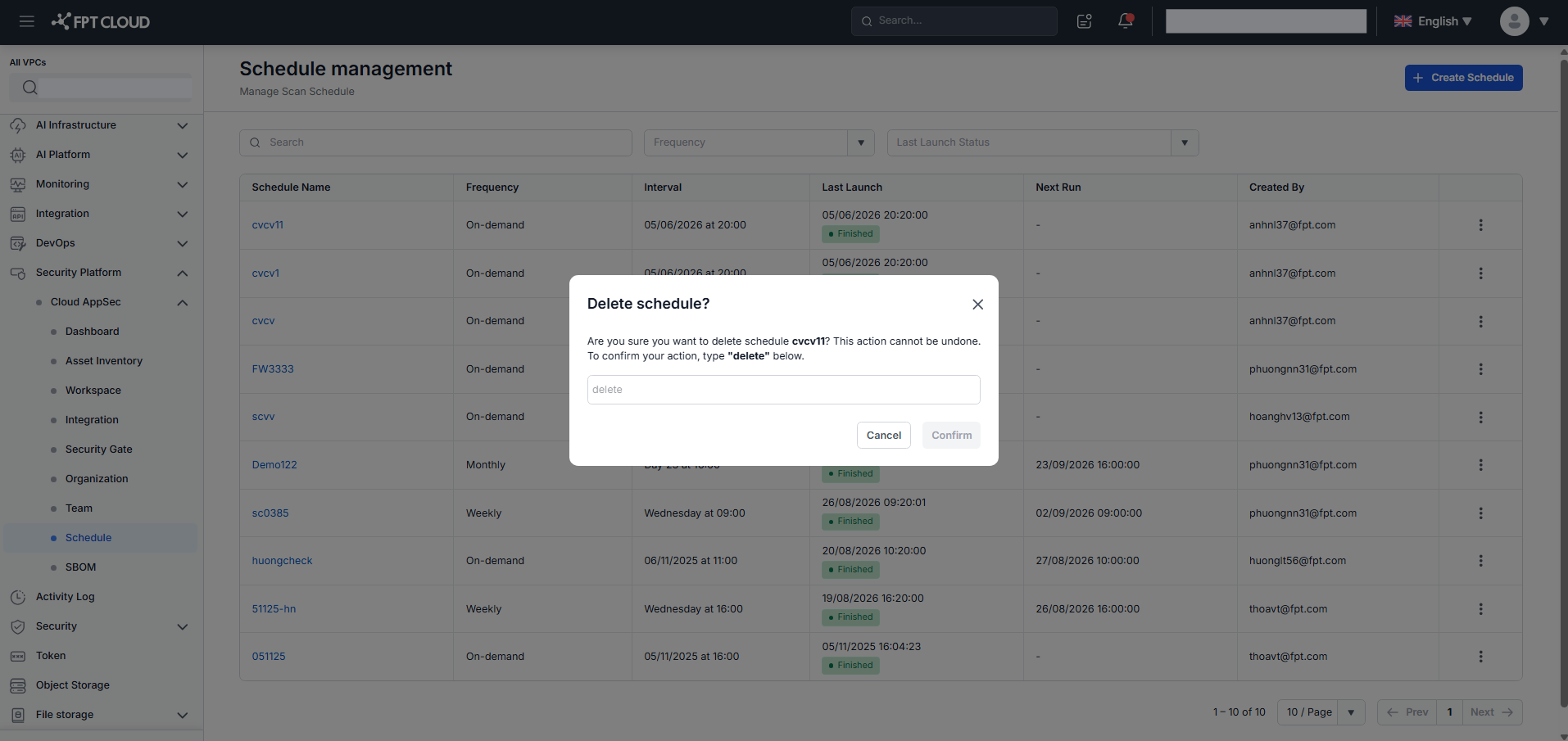
A confirmation popup appears. Type "delete" and click Confirm to permanently remove the schedule.
In the Schedule Management screen, click the ⋮ icon on a schedule row, then select Delete.
A confirmation popup appears. Type "delete" and click Confirm to permanently remove the schedule.