Edit a schedule
There are two ways to open the edit screen:
- From the Schedule Management list: Click the ⋮ icon on a schedule row, then select Edit.
- From the Schedule Detail screen: Click the Edit button in the top right.
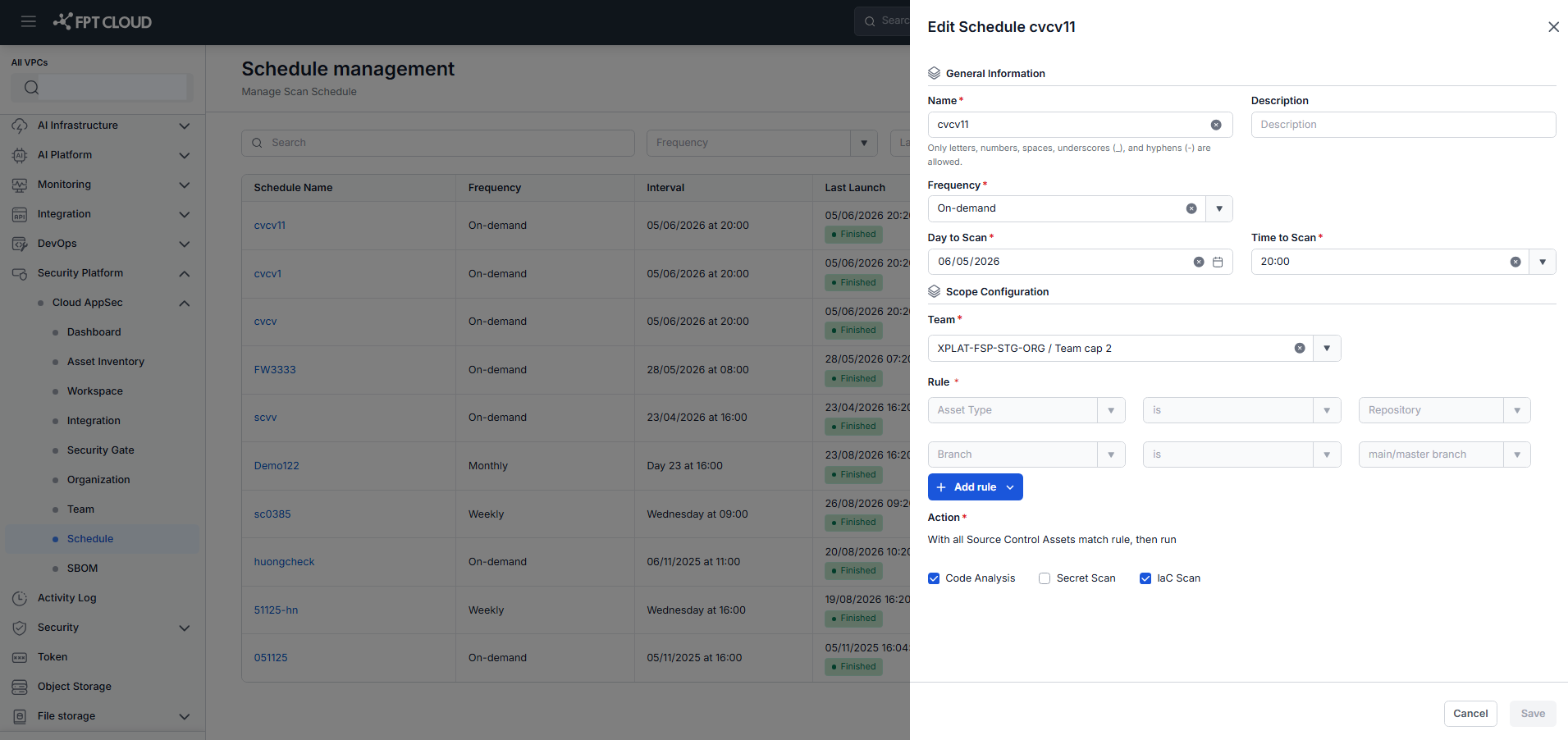
Modify the fields as needed, then click Save to apply the changes.