Team settings
Only Org Admin and Team Manager have permission to edit team settings.
Step 1: In the Team section, click Setting.
The Settings screen displays the current team information: Code, Name, and Description.
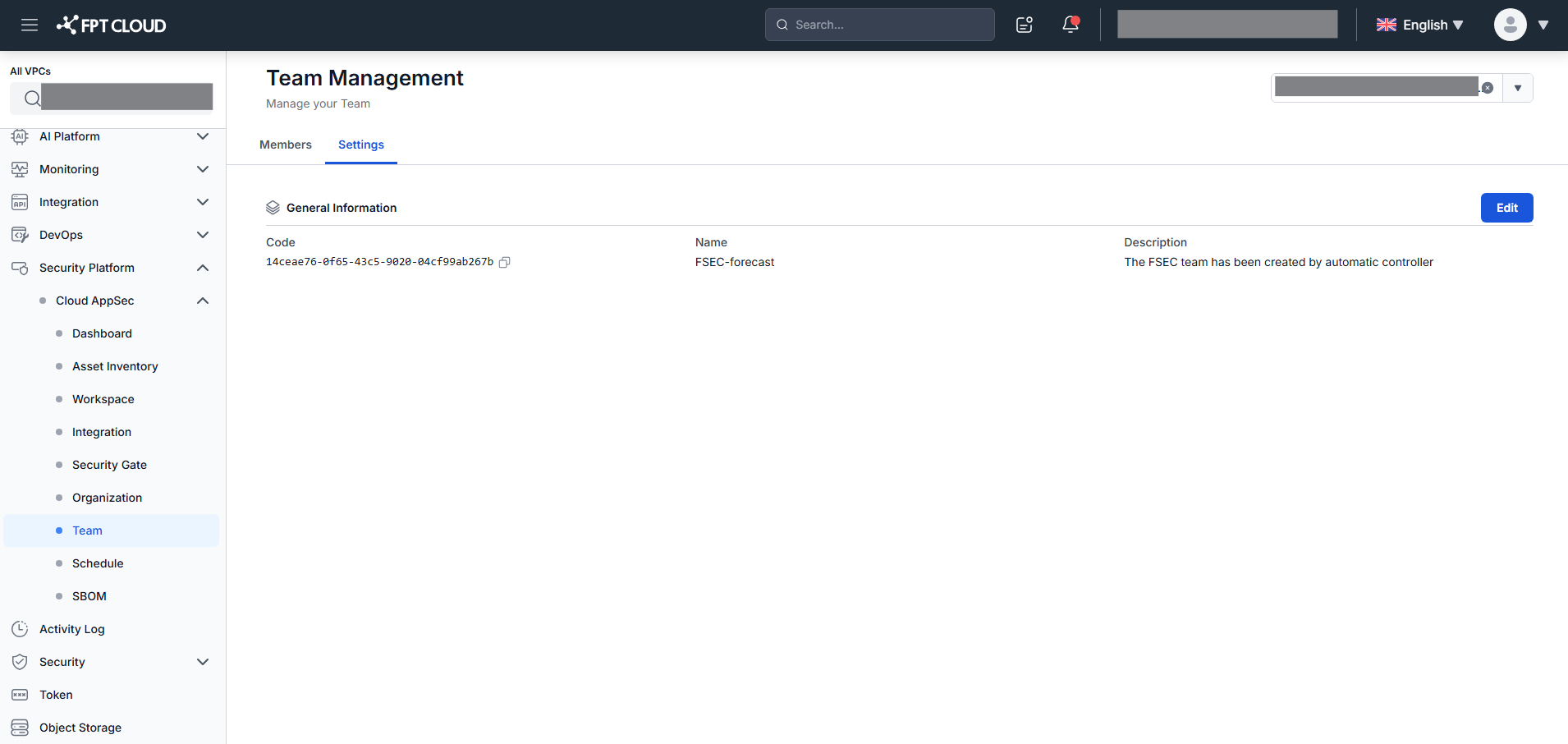
Step 2: Click Edit to modify the information.
Step 3: Update Team Name and Team Description as needed.
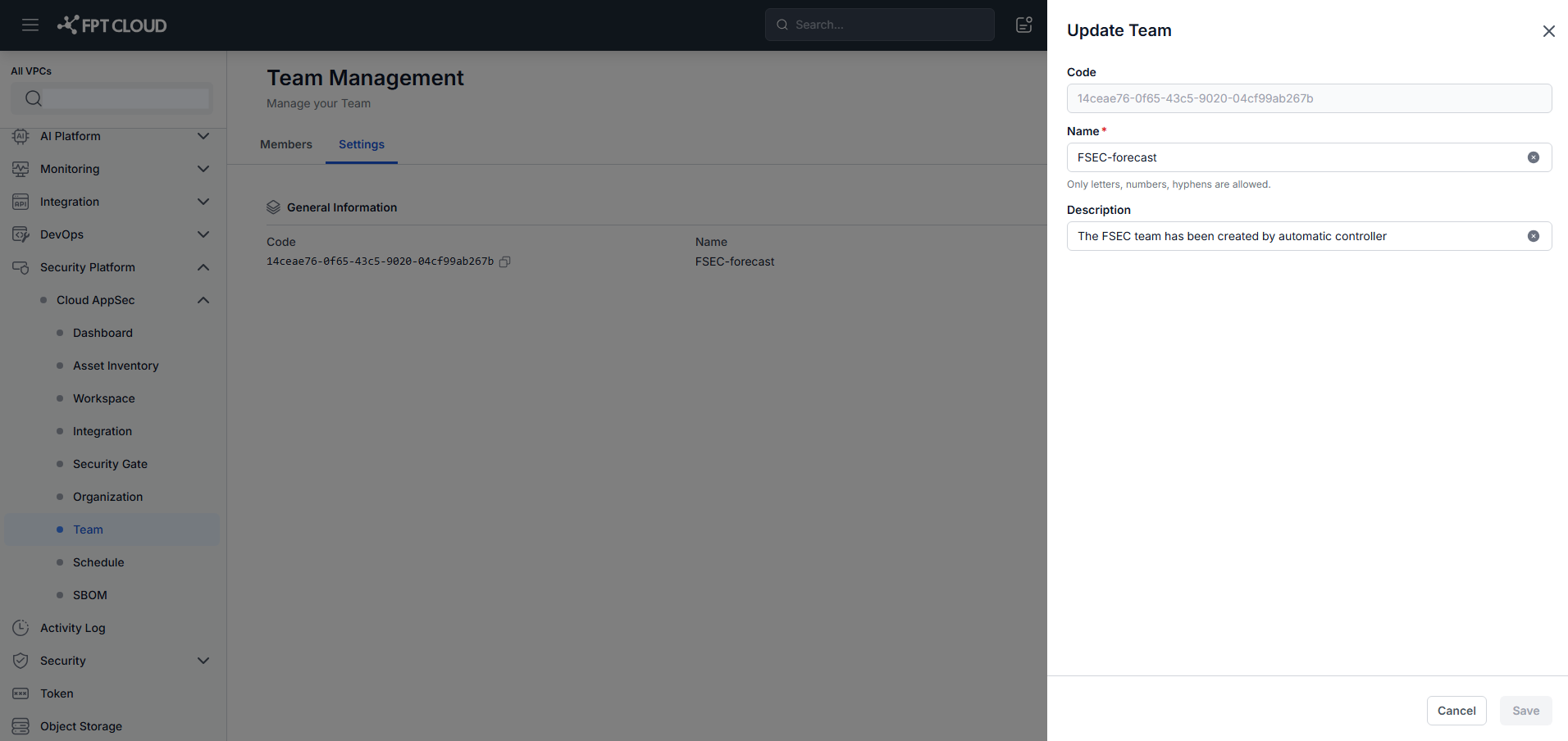
Step 4: Click Save to apply the changes.