Integrate VPC into Firewall
Add a VPC to an existing Firewall when more VPCs in the same network need protection.
Steps
-
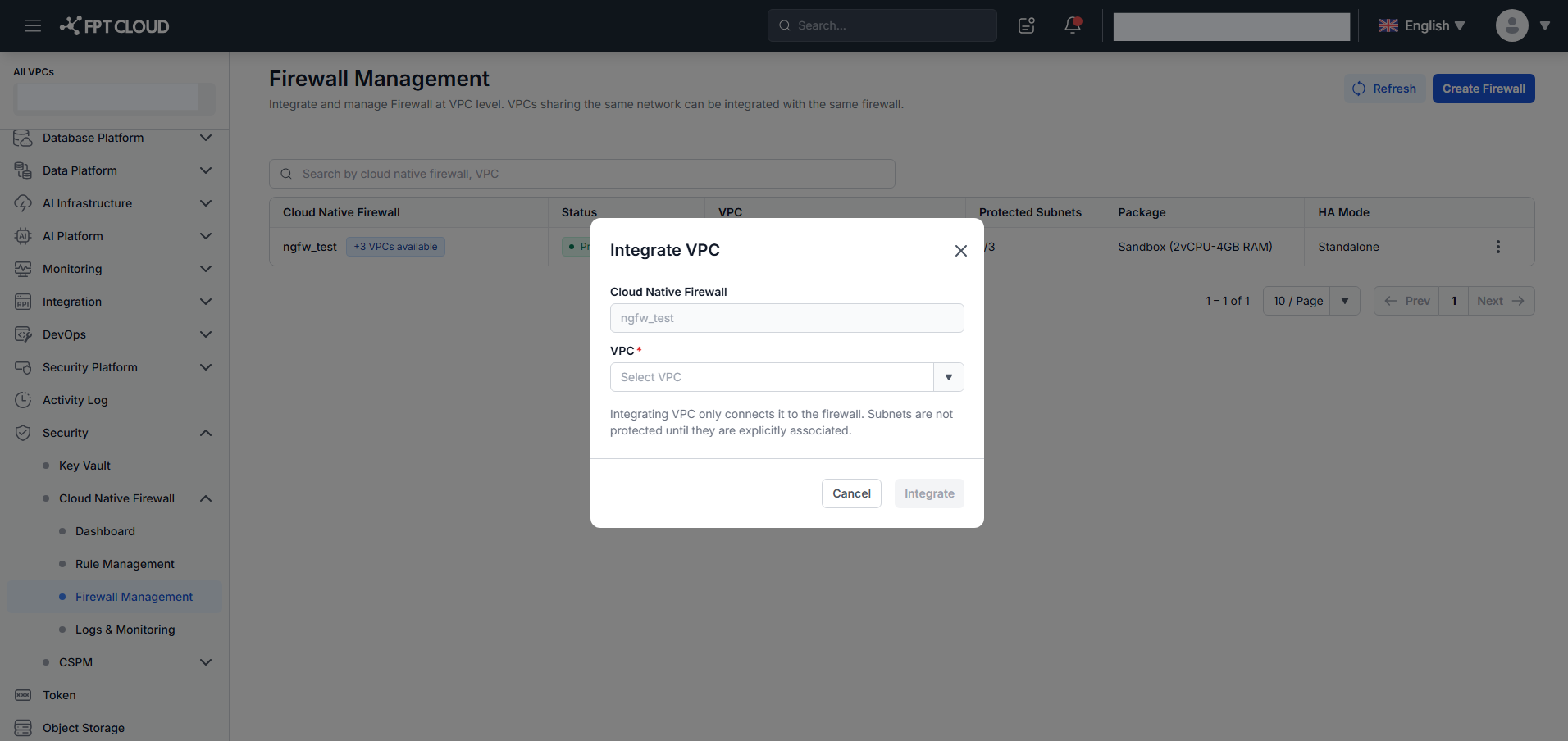
On the Firewall Management screen, click the +N VPCs available chip in the Cloud Native Firewall column of the Firewall you want to extend.
The Integrate VPC modal opens. The Firewall name is pre-filled (read-only).
-
Select a VPC from the dropdown. Only VPCs in the same network as the Firewall that are not yet integrated with any Firewall are shown.
-
Click Integrate.
The system shows "Integrated successfully." and updates the VPCs column. The chip count decreases by 1 and disappears when N = 0.
note
The +N VPCs available chip is only visible when unintegrated VPCs exist in the same network as this Firewall.