Logs & Monitoring
Logs & Monitoring provides a real-time log stream for traffic passing through your Firewalls and security events detected by IDS/IPS. Select Logs & Monitoring in the sidebar.
Network Access logs
The Network Access tab is shown by default.
-
Select a Firewall and a Time Range (default: Last 5 minutes).
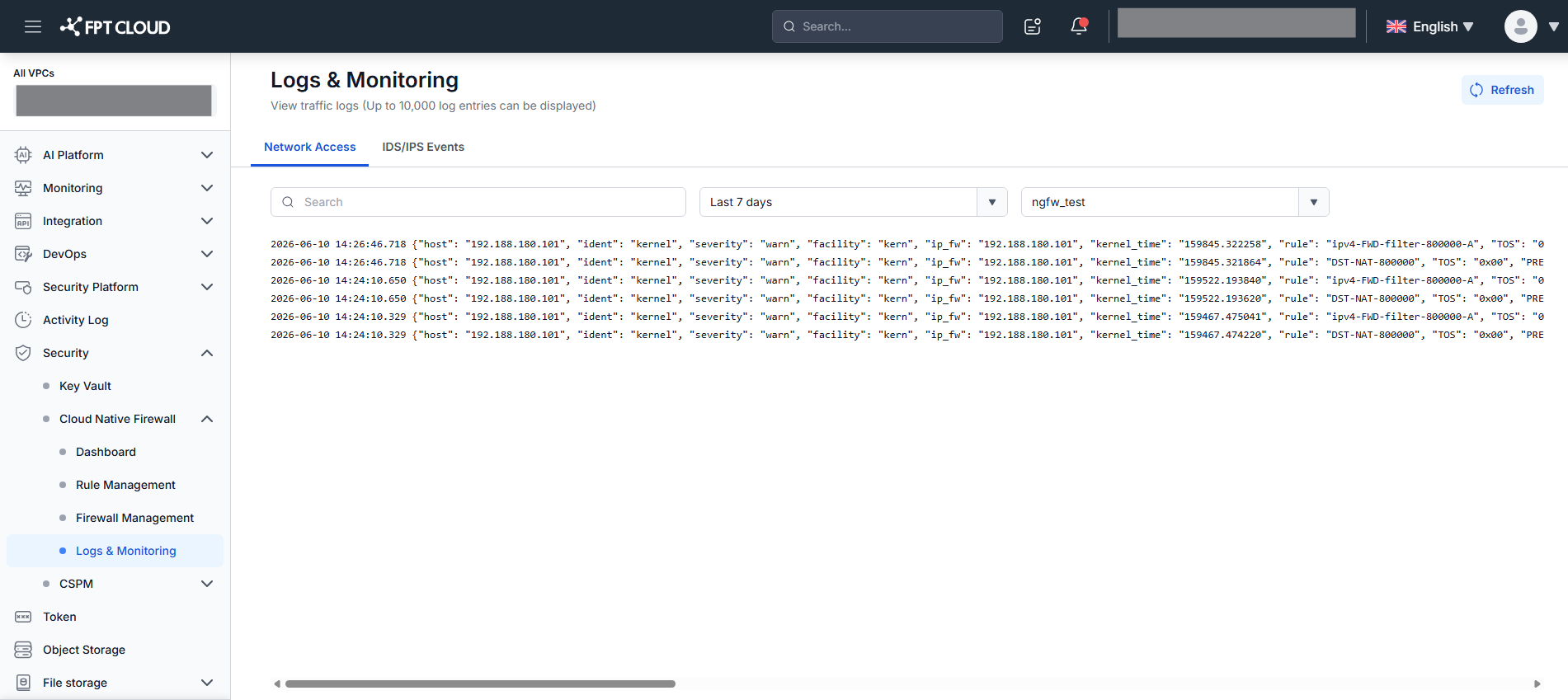
Logs appear as a stream, sorted newest-first. The initial load shows the 100 most recent logs. Scroll to the bottom to load 100 more older logs.
-
Search by keyword: type in the search field and press Enter. The stream resets and shows the 100 most recent matching logs with the keyword highlighted.
-
Sync new entries: click Sync to load logs generated since the last fetch without reloading the stream.
IDS/IPS Events
The IDS/IPS Events tab shows security events detected by IDS/IPS in Suricata format. Data is only available when IDS/IPS is enabled on the selected Firewall.
-
Click the IDS/IPS Events tab.
-
Select a Firewall and a Time Range (default: Last 5 minutes).
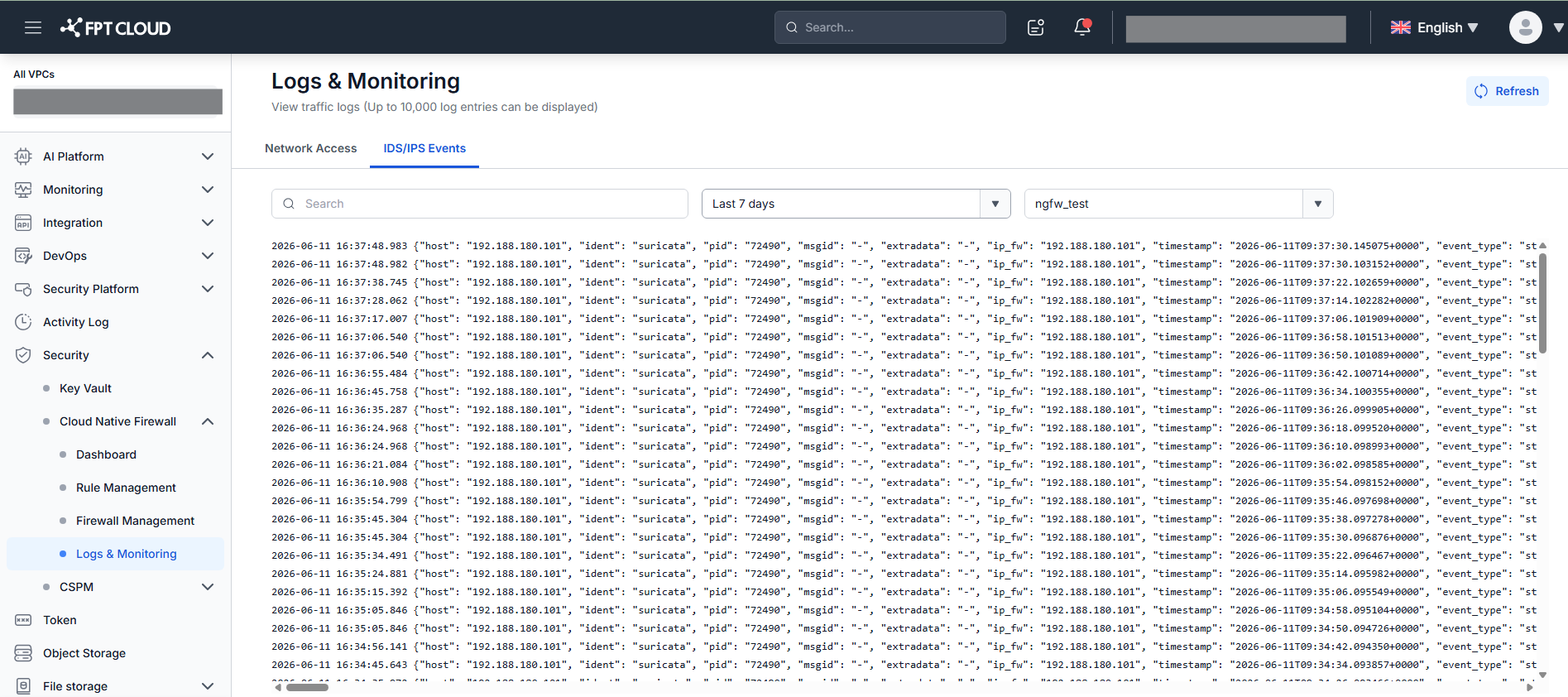
Events appear as a stream, sorted newest-first. Scroll to the bottom to load 100 more older events.
-
Search by keyword: type in the search field and press Enter. The stream resets and shows the 100 most recent matching events, highlighted in yellow.
-
Sync new events: click Sync to fetch events generated since the last load.
If IDS/IPS is not enabled on the selected Firewall, there is no data to display on this tab. Go to Rule Management → IDS/IPS Rule to enable it — see IDS/IPS Rule Management.