Connect to Checkpoint Firewall hosts
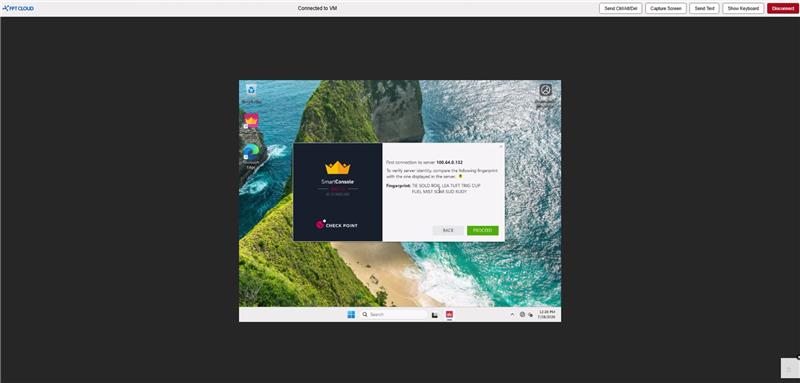
After the firewall is provisioned, you reach each role (Master, Slave, SMS, Jump) through the Compute Engine Console. Use this to open SmartConsole from the Jump or to log in to a gateway directly.
Prerequisites
- A Checkpoint Firewall that has finished provisioning.
- The host login password you set during creation, or the maintenance account from the confirmation email.
Steps
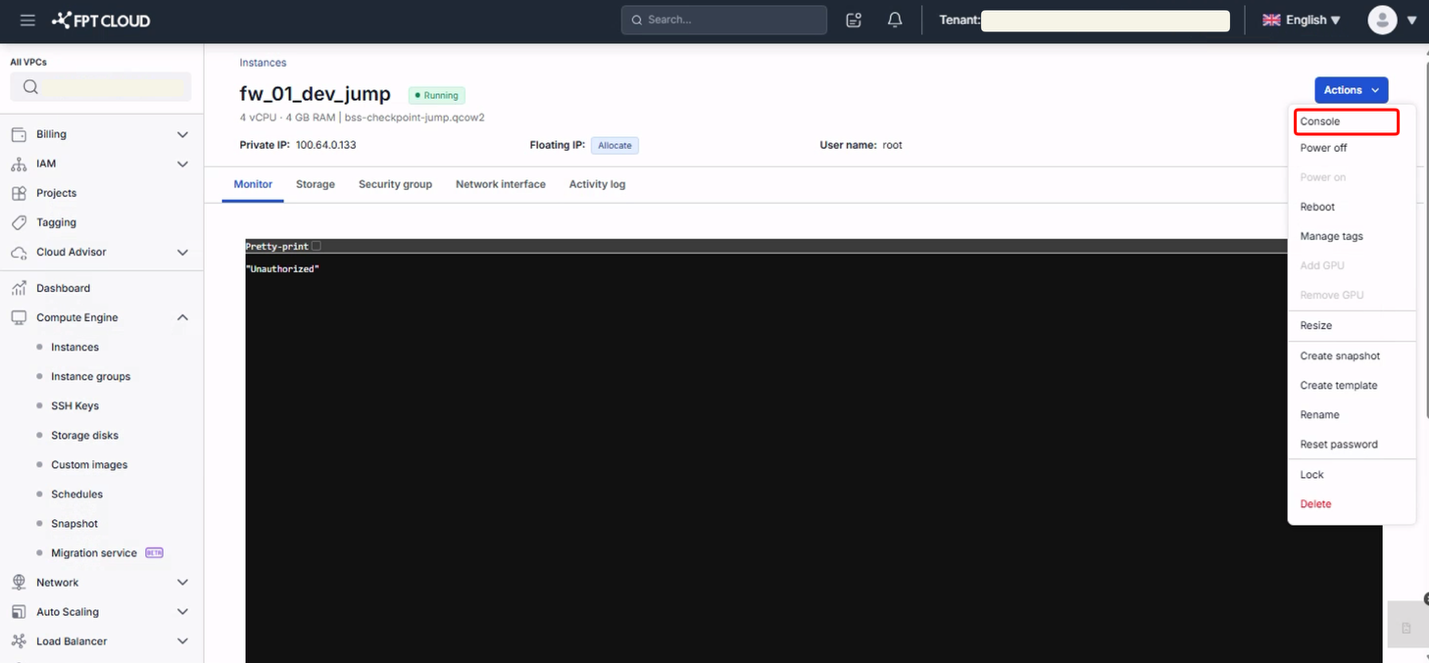
- Open Compute Engine in the Console.
- Select the VM you want to reach.
- Click Actions → Console.
- Enter the username and password to log in to the VM.
The Jump host opens with the management software image already installed.