Xóa service Nessie
Xóa service Nessie khi bạn không còn cần đến service này trong workspace.
Xóa service
-
Chọn Data platform → Workspace management, rồi chọn workspace.
-
Trên tab Overview, ở mục Services, chọn Nessie.
-
Chọn Actions → Delete.

-
Trong hộp thoại Delete Service, nhập
delete, rồi chọn Confirm.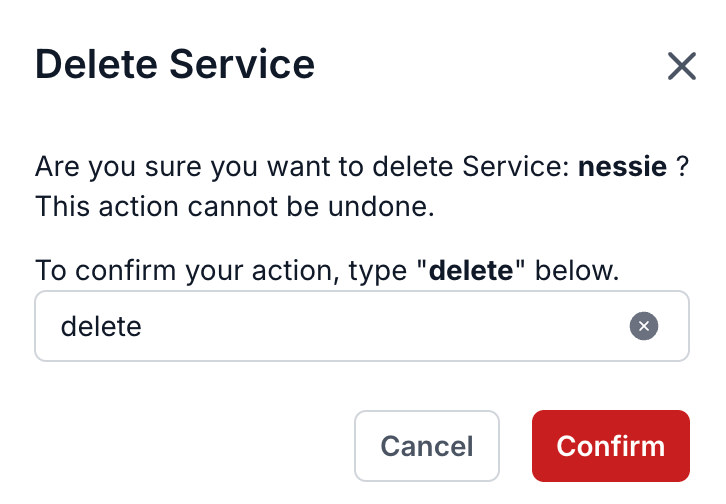
cảnh báo
Bạn không thể hoàn tác thao tác xóa service Nessie. Đảm bảo không còn ai dùng service trước khi xóa.